


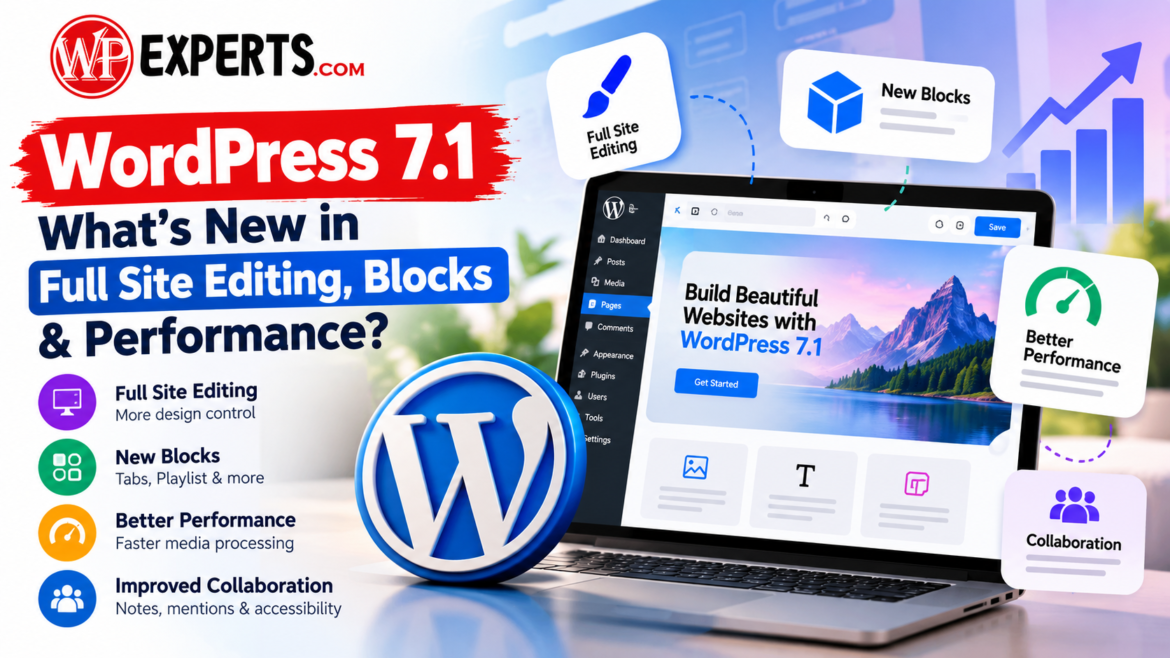
WordPress 7.1: What’s New in Full Site Editing, Blocks & Performance
https://www.indianwordpressexperts.com/wp-content/uploads/2026/10/WordPress-7.1_-Whats-New_-1024x576.png 1024 576 admin admin https://secure.gravatar.com/avatar/ceb7f684f6c20730fc00f6a6d55ffd88?s=96&d=mm&r=gWordPress continues to evolve to help businesses create faster, more flexible, and easier-to-manage websites. Released on August 19, 2026, WordPress 7.1, codenamed “Mary Lou,” introduces improvements to responsive design, media handling, collaboration, and the editing experience. These updates are especially useful for website owners, developers, content teams, and digital marketers who want to improve website usability without relying heavily on custom code.
For businesses investing in a professional online presence, understanding these changes can help guide website maintenance, redesign, and performance optimisation decisions.
1. What Is New in WordPress 7.1?
The latest release focuses on making website creation more intuitive while improving the tools developers and content editors use every day. Its major changes include responsive styling controls, a redesigned image editor, richer editorial notes, additional block functionality, and browser-based image processing.
Rather than completely changing how websites are built, the update improves existing workflows and introduces new ways to manage content and design.
Key improvements include:
- Responsive styling controls for different screen sizes.
- More convenient image cropping and editing.
- Rich-text notes with collaborator mentions.
- New Tabs and Playlist blocks.
- Customisable responsive breakpoints for block themes.
- Improved image processing and accessibility.
- More consistent navigation across WordPress editors.
These improvements give businesses greater control over website design and content management while helping developers build more maintainable digital experiences on WordpRess updates.
2. How Full Site Editing Is Improving
Full Site Editing allows users working with compatible block themes to customise different parts of a website through the Site Editor. This includes headers, footers, templates, navigation, and global design settings.
The new responsive styling controls make this process more practical. Website owners can adjust how supported blocks appear at different viewport sizes directly in the editor, reducing the need for custom CSS for routine design changes.
For example, a business might display a wide banner on desktop but use a more compact layout on mobile. Responsive controls help teams make these adjustments without maintaining separate designs for every device.
Another useful improvement is the ability to customise responsive breakpoints through theme.json in block themes. Developers can define mobile and tablet breakpoints that better match a website’s design system.
These capabilities can help businesses maintain consistent branding, improve mobile usability, and simplify ongoing website updates. However, advanced layouts and complex design requirements may still need professional development.
3. New Blocks and WordPress Block Editor Enhancements
The WordPress block editor is becoming more versatile, giving website owners additional options to organise content and improve visitor interaction.
The release introduces several useful capabilities:
- Tabs block: Organises related information into separate panels, making product details, service descriptions, and FAQs easier to navigate.
- Playlist block: Combines multiple audio tracks into a single playlist, with an optional waveform display.
- Custom icon collections: Allows developers to register additional icons for use within the editor.
- Interactive styling: Supports hover, focus, and active states for buttons and navigation links, helping developers create clearer interactive elements.
- Improved Custom HTML editing: Supported blocks can remain editable within the Custom HTML block’s preview.
These capabilities can help businesses create cleaner landing pages, more engaging content, and consistent design systems with fewer third-party extensions.
For example, an education website could use tabs to organise course information, while a service business could apply distinct button states to make important enquiry links easier to recognise.
4. Performance Improvements: Faster Media Processing
Website speed affects user experience, engagement, and the ease with which visitors can access information. One of the most significant technical improvements in this release is client-side media processing.
Previously, many image-processing tasks relied on the hosting server. The updated workflow moves supported operations, including image compression, resizing, rotation, and thumbnail generation, into the browser before upload. It uses WebAssembly-based libvips technology.
The practical benefits include:
- Reduced server CPU and memory usage during image processing.
- Lower risk of upload failures caused by PHP memory limits.
- More efficient handling of large images.
- Built-in support for AVIF and HEIC images, along with HDR gain maps.
- Potentially smaller image files, depending on the source and processing settings.
However, these improvements do not guarantee that every website will load faster. Hosting quality, theme design, plugins, caching, scripts, and image delivery still influence actual performance.
Businesses should measure loading speed using tools such as Google PageSpeed Insights and monitor Core Web Vitals, including Largest Contentful Paint (LCP), Interaction to Next Paint (INP), and Cumulative Layout Shift (CLS).
5. Better Collaboration and Accessibility
The Notes feature now supports rich-text formatting, links, and @mentions. Editors can attach feedback to specific text selections, start multiple conversations on a block, and notify collaborators.
This can simplify content approval for marketing agencies, editorial teams, and businesses managing websites with multiple contributors.
Accessibility also receives improvements through clearer interface labels, more predictable screen-reader behaviour, and better navigation and interaction patterns.
These changes are valuable, but website owners should still test keyboard navigation, colour contrast, form labels, heading structures, and alternative text. Accessibility requires ongoing evaluation rather than relying on a software update alone.
6. What Should Website Owners Do After Updating?
The safest approach is to evaluate the release before making changes to a live business website.
Follow these steps:
- Create a complete backup: Save the website files and database before updating.
- Check compatibility: Verify that the active theme and essential plugins support the installed release.
- Test on staging: Review important pages, forms, navigation, checkout flows, and integrations.
- Review responsive layouts: Test the homepage, landing pages, and service pages on mobile, tablet, and desktop.
- Measure performance: Compare page speed and Core Web Vitals before and after the update.
- Check SEO elements: Confirm that metadata, canonical URLs, internal links, structured data, and indexability remain intact.
- Apply maintenance releases: As of October 28, 2026, the official release archive lists version 7.1.3, released on October 6, 2026. It includes seven security fixes and four bug fixes, so eligible websites should prioritise updating to the latest maintained release.
7. How Indian WordPress Experts Can Help Your Business
Adopting new platform features is most effective when the changes support clear business objectives. A responsive design, efficient media library, accessible navigation, and well-structured content can contribute to a better website experience.
Indian WordPress Experts can help businesses evaluate their existing websites, plan upgrades, improve on-page SEO, optimise performance, and implement suitable design improvements. Professional support is particularly useful for websites that depend on lead-generation forms, ecommerce functionality, or complex plugin integrations.
Instead of updating simply to access new features, businesses should prioritise WordPress 7.1 features, security, compatibility, usability, and measurable performance improvements.
Conclusion
WordPress 7.1 introduces meaningful improvements to responsive design, block-based editing, media processing, collaboration, and accessibility. Its strongest advantage is the ability to make everyday website management more flexible while reducing friction for developers and content teams.
For business owners, the right next step is to review compatibility, test the updated experience, and identify which improvements will deliver genuine value to visitors. With a careful upgrade strategy and ongoing technical SEO, these changes can support a more maintainable and user-friendly website.
Need help upgrading or optimising your website? Visit Indian WordPress Experts to explore professional WordPress development, maintenance, and SEO support.